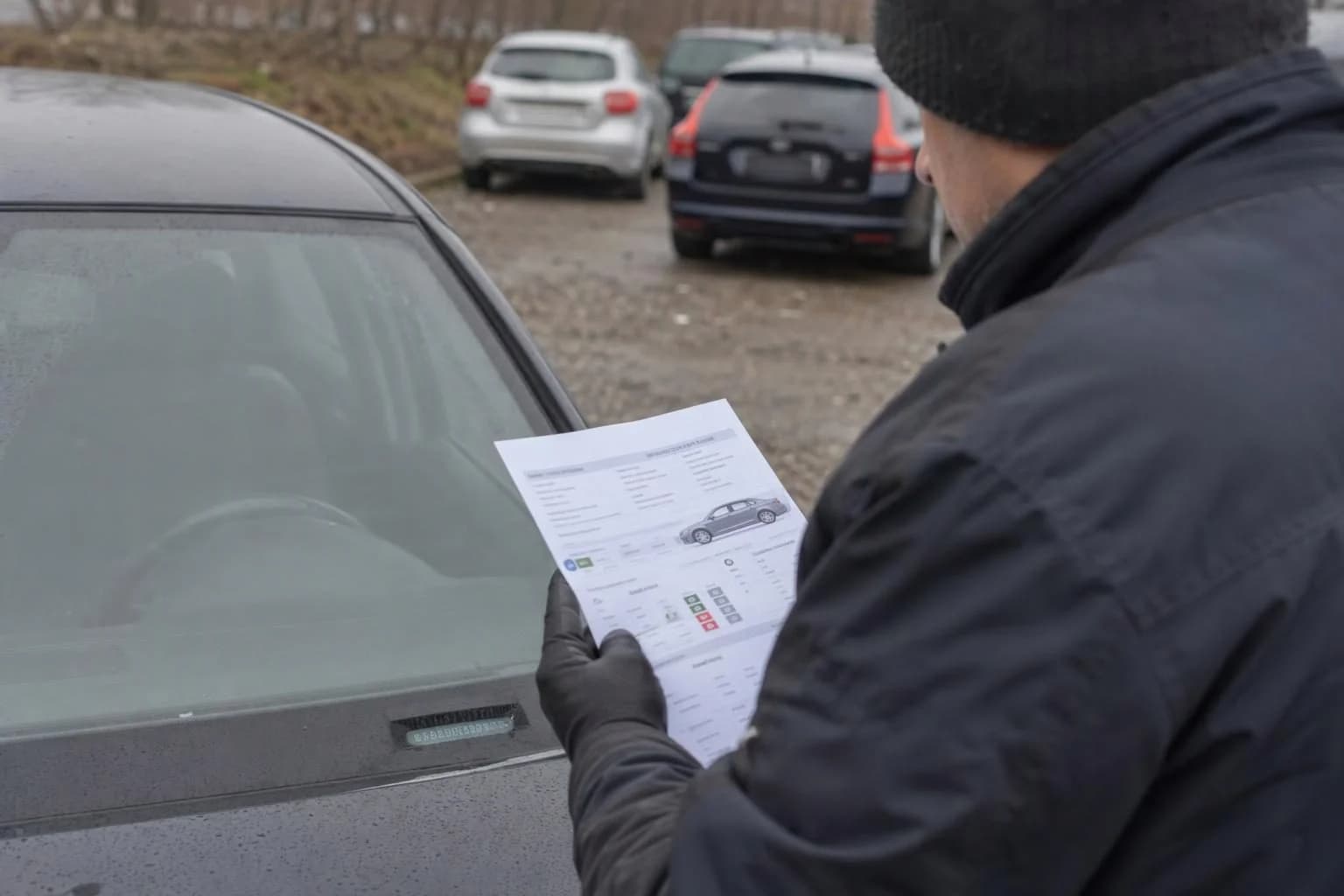
Have you received information about a recall, or bought a used car and want to check its status? Enter the VIN in the manufacturer’s official search tool, then confirm the result with an authorised repairer for that make.
A warning about a model, or the absence of symptoms, does not establish whether a specific car is covered by a campaign. Checking the VIN is also useful if the previous owner did not pass on information about a campaign.
A notice about a model does not confirm a campaign for your car
A manufacturer may include only a specific group of cars in a campaign. The group may be determined by factors such as the production date, model year, factory or other criteria set by the manufacturer. So information that a campaign concerns a particular make or model does not necessarily mean it covers every vehicle.
A campaign may be announced when a manufacturer or an authority identifies a safety risk or a vehicle non-compliance issue. Public notices may describe the risk and the action planned. The absence of noticeable problems with the car does not rule out an open campaign.
For example, a public notice names a make or model you are interested in. This is a reason to check the car, but only a VIN search and confirmation of its status with the manufacturer can establish whether the campaign applies to that specific vehicle.
If you are checking a car before buying it, the VIN can help verify information about a campaign, but it does not replace an assessment of the vehicle’s condition or history. The guide to checking a car by VIN covers useful points to consider.
How to check for a campaign using the VIN
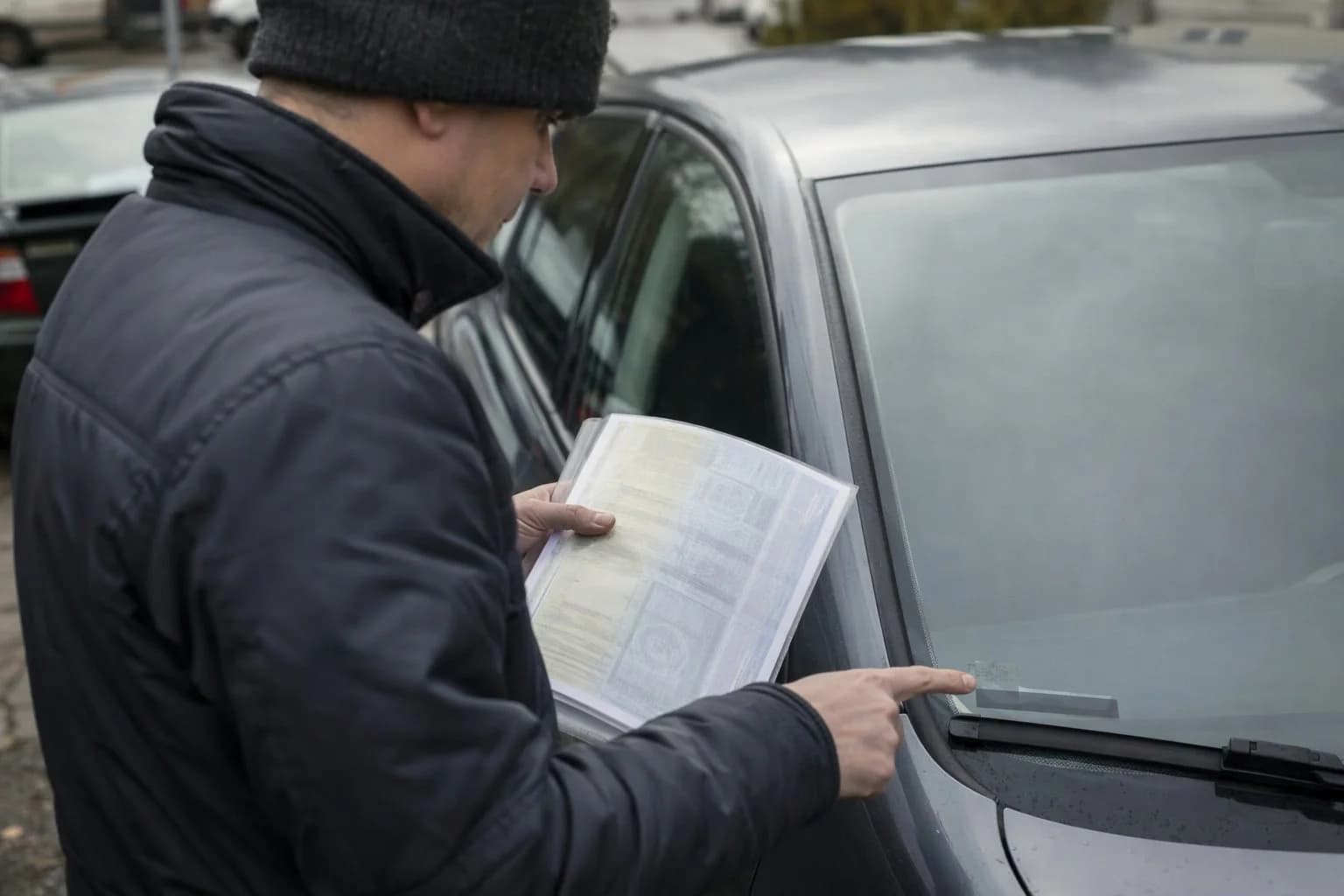
Start by finding the car’s full VIN. Take it from the vehicle documents and compare it with the number assigned to the car. Ford materials state that the VIN used to check for campaigns has 17 characters. However, check how to enter the number and what is required in the search tool for your car’s manufacturer.
- Go to the manufacturer’s official website and find its search tool for service campaigns or recalls.
- Enter the VIN exactly as required by the form. If the search tool does not accept the number, compare it with the documents again and follow the manufacturer’s instructions.
- Save the result and, if it identifies a campaign, note its name or number.
- Contact an authorised repairer for that make. Ask them to confirm whether the campaign is still open for this VIN and what steps are needed next.
UOKiK and Safety Gate can help you find warnings
UOKiK, Poland’s Office of Competition and Consumer Protection, publishes public notices about dangerous products. The EU’s Safety Gate system also publishes alerts that may describe risks and corrective action. These sources provide public warnings and can help you find information about a problem affecting a car or one of its components.
An alert about a make, model or product does not by itself confirm that a specific car has an open campaign. UOKiK does not provide consumers with detailed information about campaigns run by businesses, so check the status of your VIN with the manufacturer or its authorised repairer.
Confirm the result and terms with the manufacturer’s authorised repairer
If the search tool identifies a campaign, an authorised repairer for that make can confirm whether it is still open for your VIN and explain what to do next. Repairs under a campaign are carried out by the manufacturer’s authorised repairer.
If the search tool shows no results but you have received a letter or have concerns, ask the manufacturer or its authorised repairer to check the VIN. If the car was imported, confirm its status directly, as a national search tool may not establish the campaign status of a vehicle from another market.
Do not assume that every service described as a service campaign will be free on the same terms. Some campaign repairs are free, but you need to confirm the terms for the specific campaign. Ask about any potential cost before booking work, especially if the notice covers more than the campaign action itself.
Have the VIN ready when speaking to the repairer and, if available, the campaign name or number. Ask for specific information rather than relying only on a general notice about the model.
- Is the campaign still open for my VIN?
- What action is planned, and do I need to book an appointment before bringing the car in?
- Is the repair under this specific campaign free of charge?
- Does the result also apply to a car imported from another market?
- What advice should I follow about using the car until the action has been completed?
Follow the driving advice given for the specific campaign
There is no single recommendation for continued driving that applies to every campaign. Check the manufacturer’s notice for your campaign. If the manufacturer or repairer advises you not to use the car or to limit driving, follow that advice and contact an authorised repairer before driving further.
Computer diagnostics do not replace checking the VIN in the manufacturer’s system. If you want to establish whether your car is covered by a campaign, start with the manufacturer’s search tool. If you are unsure, ask an authorised repairer for that make to confirm the status.