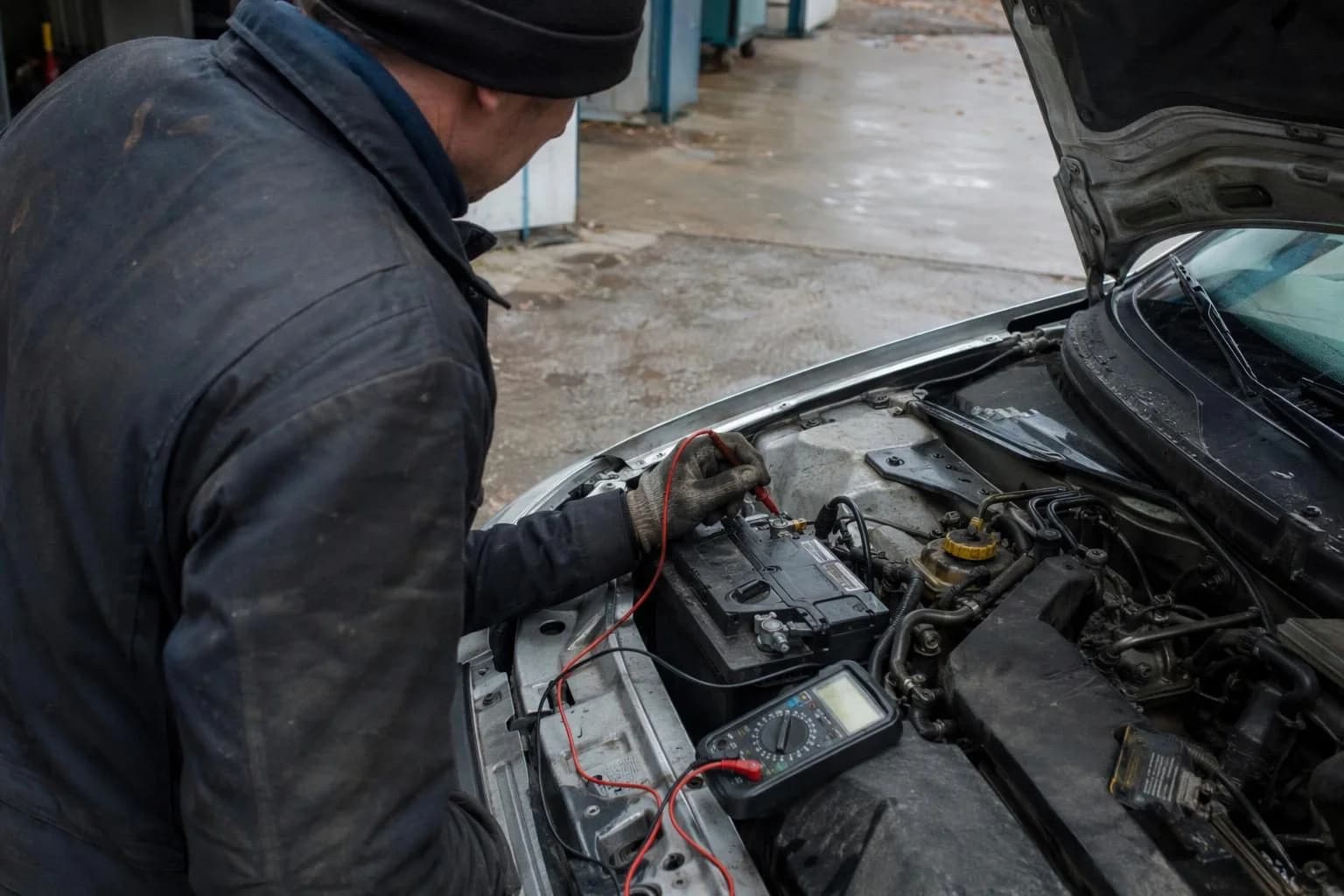
The engine warning light has come on and your reader has displayed a code and the name of a component? Do not order a part on that basis. The code points to an area where the control unit has detected an irregularity, but further checks and measurements are needed to establish the cause.
A consumer OBD reader can give you an initial indication, but the information available depends on the device, app and car. Prepare details that will help the garage start its diagnosis.
Save the results before using them
Keep the exact code and the full description displayed by the app. The part name may be a simplified translation and does not confirm that the component needs replacing. If the readout came from a shop, ask for the exact result, not just a verbal description of the part.
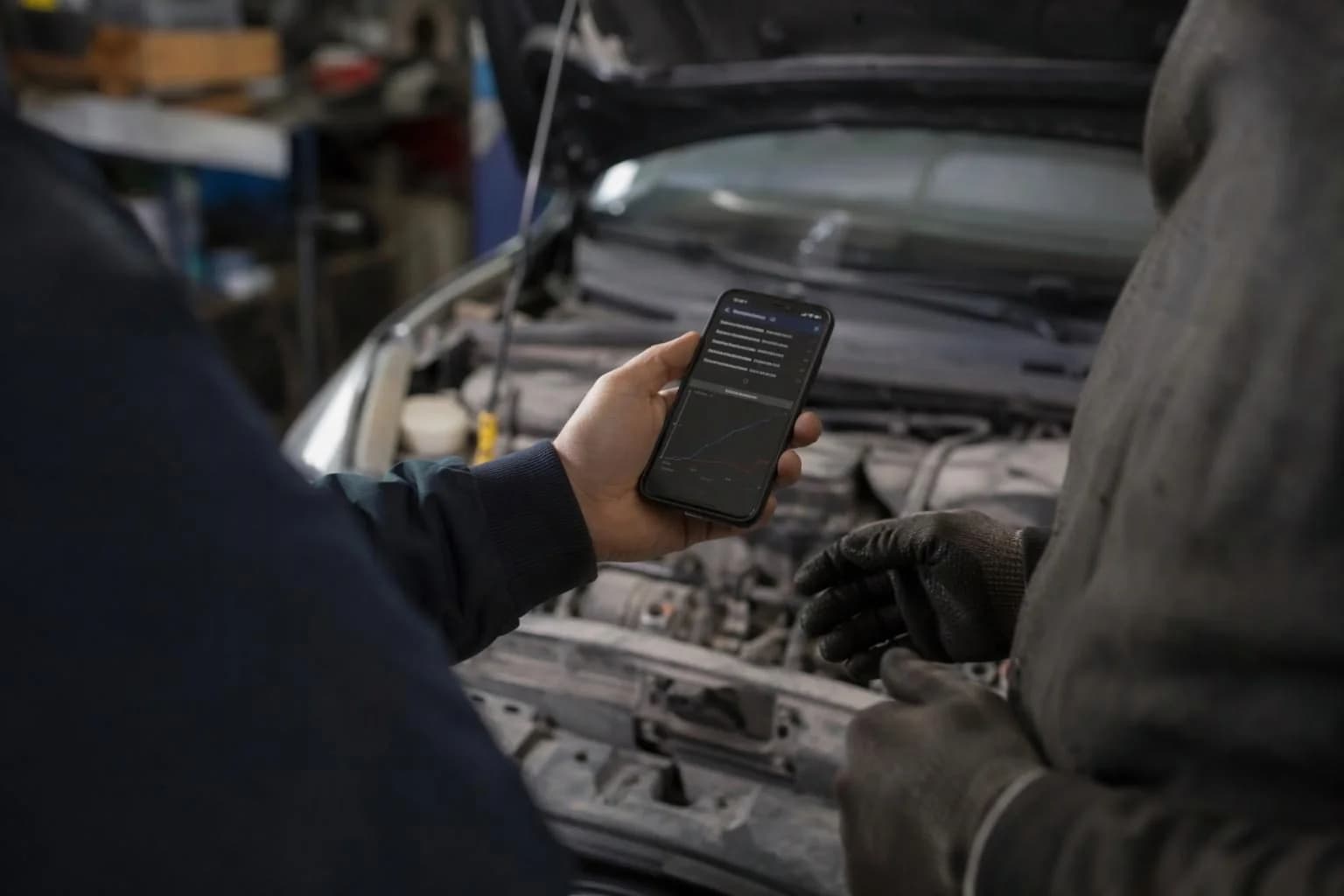
Check whether the app provides a report or data saved when the problem was detected. Not every device will show this information, but if it is available, save it before taking any further action.
Check what the reader can actually tell you
A basic readout can help you identify that the control unit has stored a fault and prepare for a conversation with the garage. Not every reader or app provides the same information. Additional functions depend, among other things, on whether the device is compatible with the car’s make, model, year and supported control module.
Do not assume that the reader will show live data, manufacturer-specific information, readings from every control unit or component tests. These capabilities are not confirmed for every device and car. If the app does not show a particular function, the absence of a result does not by itself establish the condition of a component.
Even when you can see live data, the figures alone are not a diagnosis. They need to be assessed alongside the symptoms, the conditions in which the problem occurred and data specific to the vehicle.
Do not clear the code before saving the information
The warning light going out after a fault has been cleared does not confirm that the cause of the problem has been fixed. If you clear the code before saving the available data, the garage may not receive some information that could help with checking the car.
For example, the app suggests the name of a component and the warning light has just come on. Instead of clearing the code straight away, save the available readout. Clearing it alone does not establish whether the problem has gone away.
Decide what to do next based on the symptoms and the car’s handbook
A single code is not enough to determine whether it is safe to drive. Pay attention to how the car behaves and to any other warnings. If in doubt, check the handbook for your specific vehicle.
If the engine warning light is flashing, stop the car safely and check the handbook for your specific model. What to do next depends on the manufacturer’s advice. Do not assume that guidance in the handbook for another car applies to yours. If the engine is running noticeably differently or another warning appears, do not assume it is safe to drive just because the reader showed one code.
If the warning light is steady, the car is running normally and there are no other warnings, there is no confirmed universal time or distance for which every car can safely wait before being checked. Arrange an inspection with the handbook and symptoms in mind.
Give the garage a clear set of details
The garage can use the readout as a starting point, compare it with your description of the symptoms, then check the data available for the car and select further checks or measurements. Workshop tools may combine code reading with live data, component tests and diagnostics tailored to a particular make or model. The scope depends on the car and the equipment used.
You do not need to interpret the code or suggest a repair. Before your visit, make a brief note and give the garage the information you have.
- The exact code and description from the app, or the result provided by the shop.
- When and under what circumstances the warning light came on.
- The symptoms, including any change you noticed in how the engine runs or the car behaves.
- Which warning lights were on or flashing, whether any other warnings appeared and whether the code was cleared.
- A screenshot, report and any available data saved when the problem was detected.