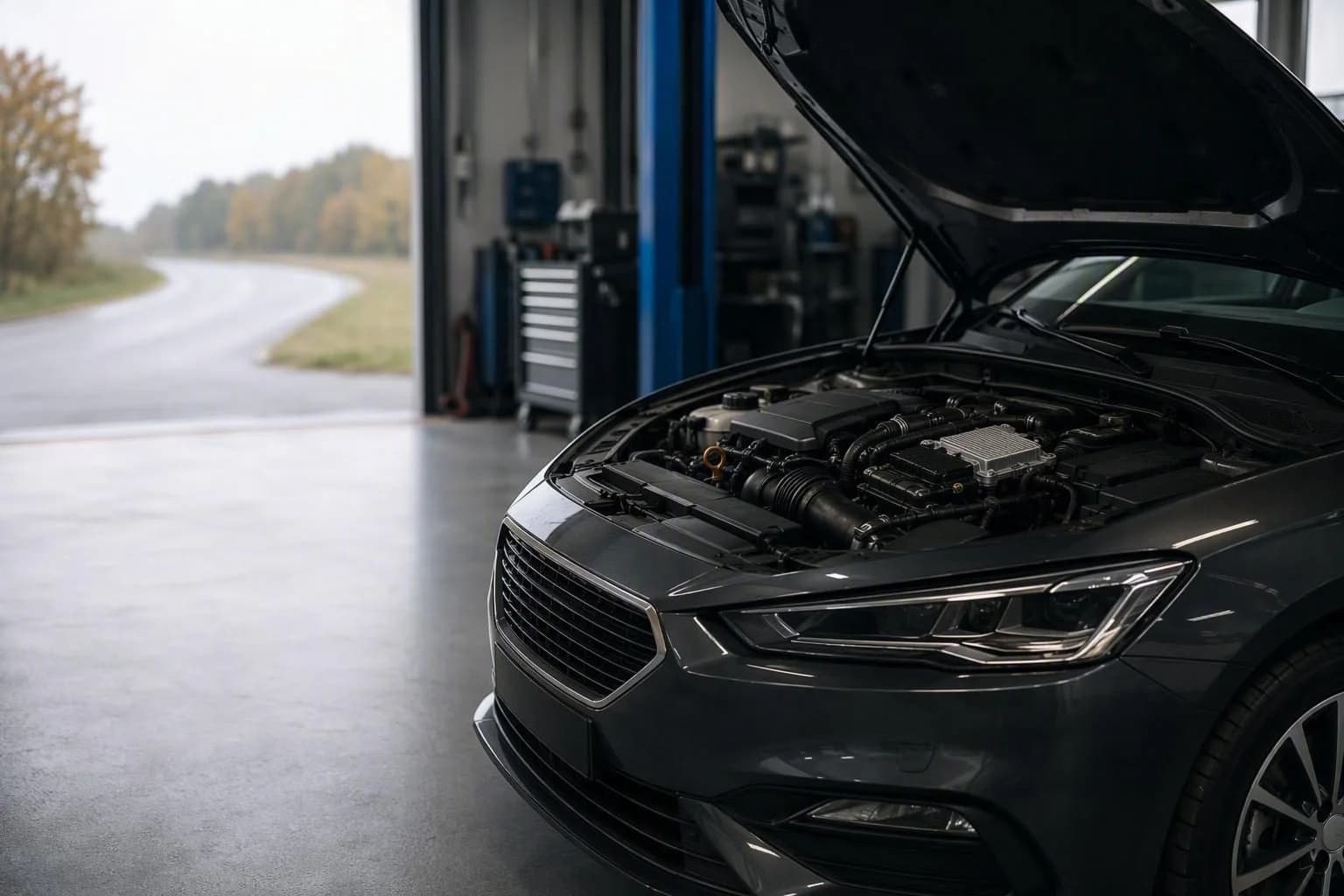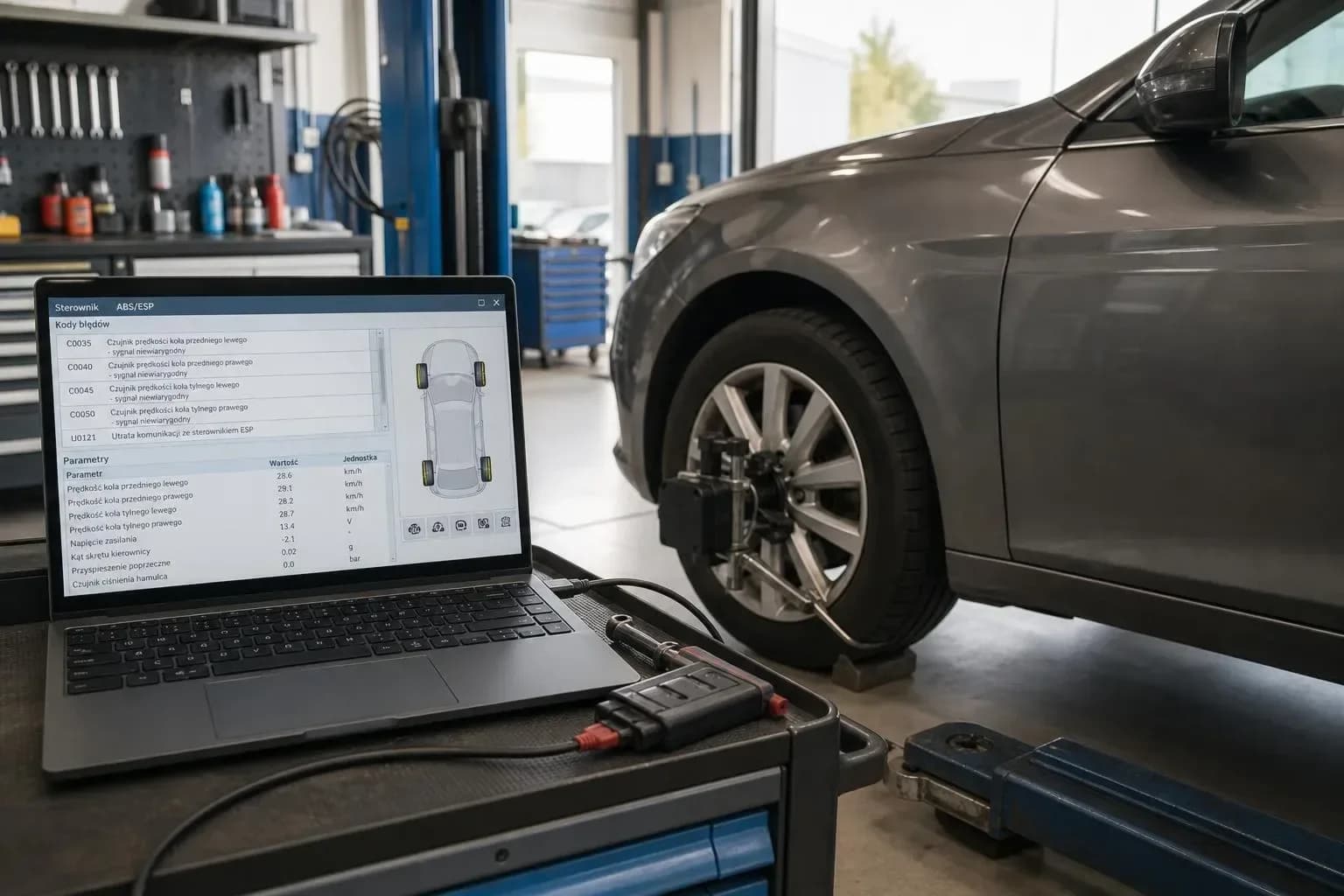
Updates to control unit software (ECU - electronic control unit) are intended to improve the car's operation, but they can sometimes reveal or cause new problems. Symptoms can be mild - for example a warning on the dashboard - or critical - for example loss of power steering.
This text moves from observed symptoms, through typical groups of causes, to practical checks before a garage visit and a description of the computer diagnostic process.
What symptoms can appear after an ECU update
After flashing or updating a control unit you may notice various symptoms. They do not always mean a permanent hardware fault - often the cause is software incompatibility or missing adaptations.
Typical symptoms are new warning lights and error codes, entering limp mode, loss of power, unexpected disabling of functions and inconsistent instrument cluster readings.
- New error codes and warning lights after the update
- Loss of power or limp mode limiting performance
- Disabling of cruise control, ABS, power steering or other functions
- Erratic parameter readings - speed, temperature, pressure
- Starting problems or engine stalling after driving
- Loss of communication with selected modules
Main groups of causes - what may be behind the symptoms
After an update we usually distinguish three groups of causes. The first is incompatibility or a bug in the new software version - an incorrect file, missing authorisation or a fault in the write procedure.
The second group is lost adaptations, calibrations or coding. After writing new software a module may require reconfiguration of parameters or resynchronisation with other units.
The third is communication issues on the CAN/UDS network - wrong software identifiers (SW ID), missing datasets or damage to part of the flash memory can cause loss of communication or incorrect readings.
- Incorrect or incomplete software version
- Missing coding, parametrisation or adaptations after the flash
- Write errors - interruptions during flashing, voltage drops
- Network issues on CAN/UDS and mismatched SW ID between modules
What you can check before a garage visit
Preparing information before the visit shortens diagnostics. Do not perform your own programming or repairs on critical systems - the aim is to collect data useful to the workshop.
Take screenshots from the programmer, note the error messages and the time of the update. Check whether visible errors occurred during flashing or whether the battery experienced voltage drops.
- Did the programmer report an error during writing - note the exact message
- Which modules were updated and at what time
- Battery condition during the update - whether voltage was low or the battery was disconnected
- Screenshots / photos of warning lights and error codes
- Description of when the symptom occurs - immediately after the update, after the engine warms up, while driving, etc.
When to limit or stop driving
Some symptoms require immediate cessation of driving for safety reasons. If critical warning lights appear or the car behaves unstably - stop and arrange assistance.
In other cases you can drive carefully to the garage. If you are unsure, it is better not to continue driving. Below is a list of situations that require stopping.
- Disabling of safety systems ABS or ESP while driving
- Loss of power steering or sudden drops in assistance
- Limp mode that severely limits power or makes driving difficult
- Irregular engine stalling, difficulty starting after standing
- Loss of communication with the engine control module or sudden, uncontrolled instrument cluster readings
- Visible smoke, burning smell or other signs suggesting electrical damage
How professional diagnostics proceed after update problems
In a diagnostic workshop the process is methodical. The technician should read the full DTC (diagnostic trouble codes) memory and logs from the programmer, compare software IDs with manufacturer requirements and check whether the write completed correctly.
Next steps are analysis of communication on the CAN/UDS bus, verification that required datasets and configurations are loaded and checking whether the bootloader area was damaged, which may require recovery on a workshop bench.
- and logs from the programmer
- Compare software version numbers (SW ID) with manufacturer documentation
- Check power stability and any voltage drops during the flash
- Diagnose the CAN/UDS bus - communication tests and packet integrity
- Verify coding, parametrisation and adaptations of related modules
- If needed perform a recovery procedure - bench/boot mode, restore flash backup or controlled reflash via the OEM interface