Good preparation of the car before an electronic diagnostic session significantly shortens the workshop’s time and raises the chance of correctly finding the fault. This text explains what to collect, what not to do and how to act when the car behaves badly on the road.
We assume you have a recurring symptom (e.g. jerking, a warning light, noise). We focus on practical steps that will help the diagnostic technician and reduce the need for long testing.
Before you drive to the workshop — what to note and record
A detailed description of the symptom is the most valuable information for the mechanic. Note when the symptom appears (for example on a cold or warm engine), how often it happens and under what conditions: speed, engine load (e.g. uphill, when accelerating), use of air conditioning or towing.
A recording — a short video or audio clip — helps a lot. Showing the timing of the noise or the moment a warning light comes on reduces the need to reproduce the fault on the road many times.
- Date and time of the first occurrence and how long the problem has been present.
- Conditions: cold/warm engine, speed, type of route (urban/motorway), load.
- A few short recordings: sound from under the bonnet, showing the dashboard warning light, video of the problem as it happens.
Things not to do before the visit
Do not erase stored fault codes or freeze‑frame data (a snapshot of parameters at the moment the fault occurred). These data help to analyse the cause.
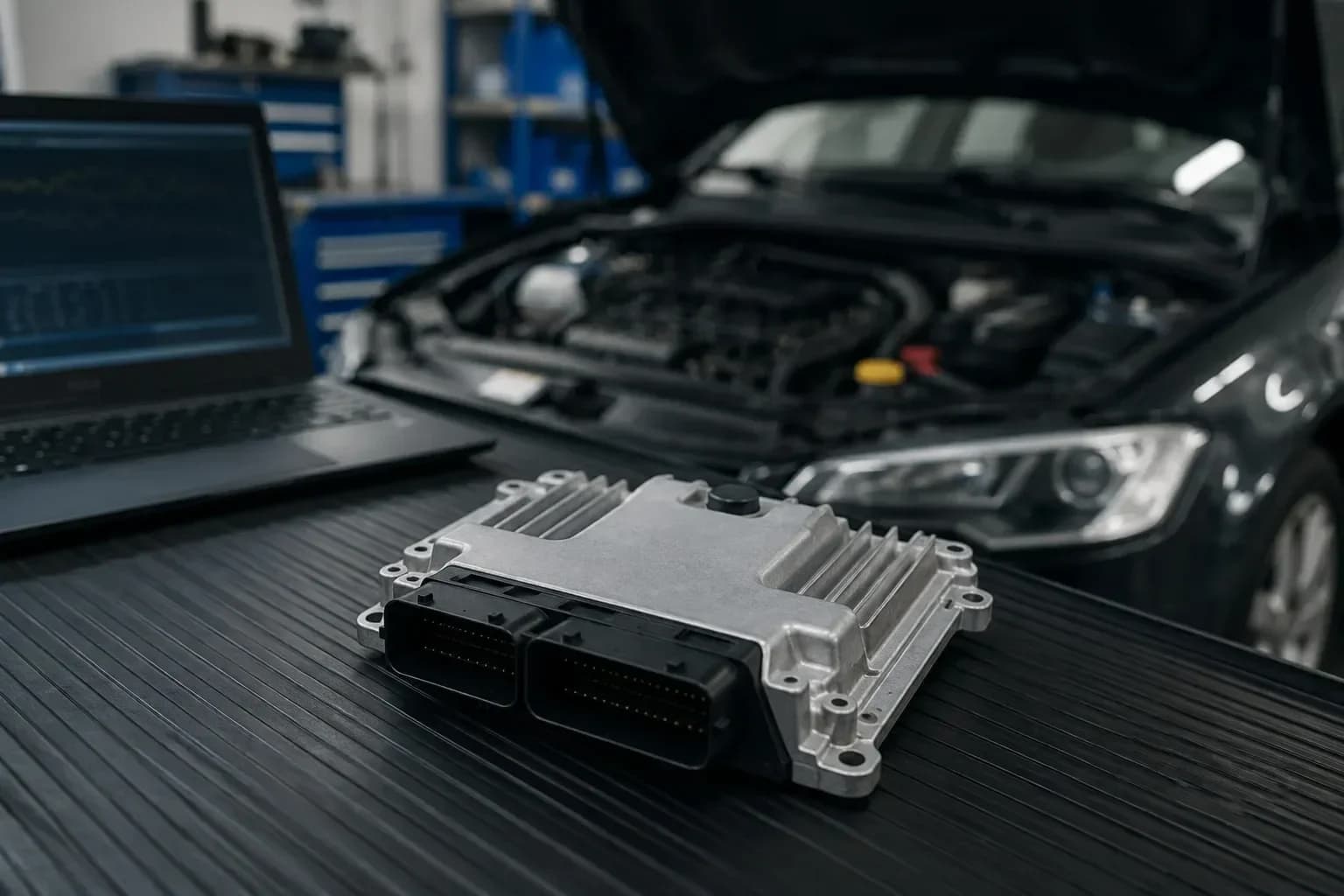
Do not disconnect the battery or electronic components before the visit. Resetting control units erases useful information and often forces the workshop to repeat a full driving cycle to collect monitor data again.
- Do not reset warning lights or clear DTCs (diagnostic trouble codes).
- Do not disconnect the battery unless the workshop specifically asks you to.
- If you have an extra factory remote key, bring it — it makes diagnosing alarm and immobiliser systems easier.
Practical preparation of the vehicle and paperwork
Make sure the workshop will have easy access to the car and information. Leave space to work, prepare both keys (main and spare), the service book and invoices from recent repairs.
Provide information about recent work on the vehicle: parts replaced, repairs carried out, recent fuel fills or software updates if you know they took place.
- Spare key/remote, service book, repair invoices.
- Photos or a list of recent repairs and parts changes.
- Inform the workshop about the engine version and the VIN — correct vehicle identification increases the chance of running the right tests straight away.
Diagnostics process at the workshop — what to expect
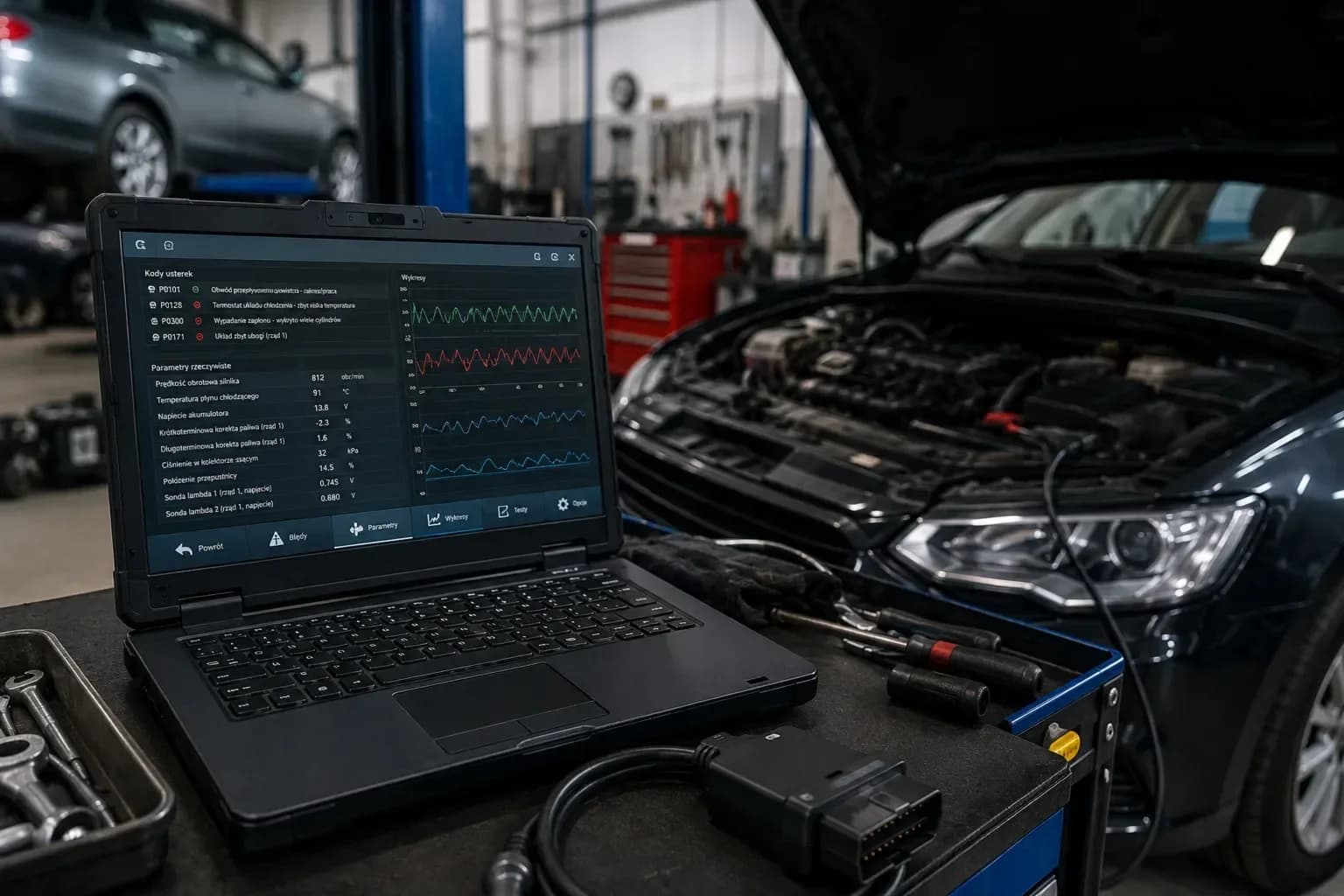
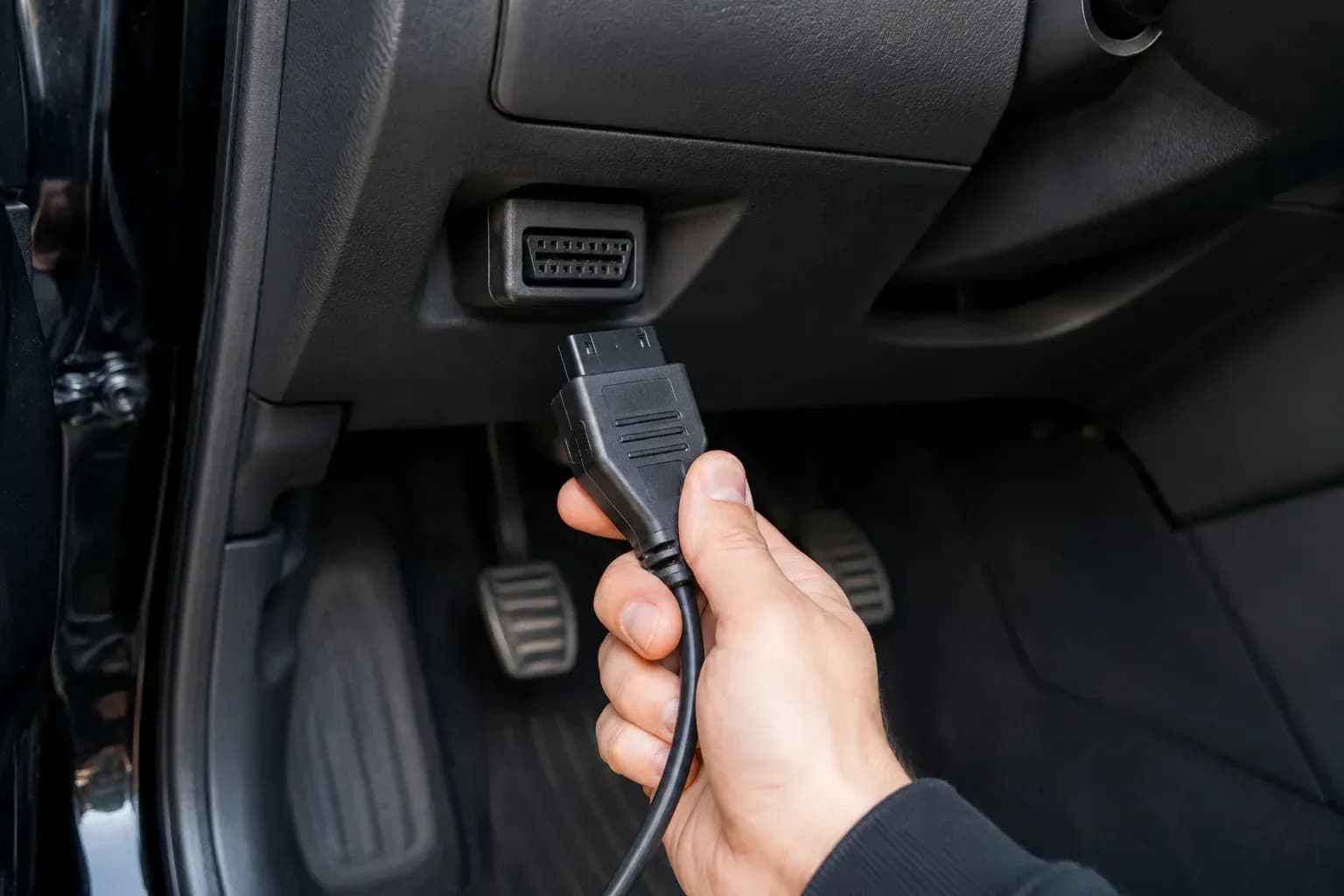
The mechanic will start by connecting a diagnostic tool to the OBD port (OBD — on‑board diagnostics) and reading DTCs (Diagnostic Trouble Codes). The workshop tool also reads freeze‑frame data (a snapshot of parameters at the moment the fault occurred).
The next stage is analysing live‑data (live‑data — real‑time sensor and parameter readings): engine speed, vehicle speed, temperatures, pressures and sensor signals. From this the technician looks for inconsistencies or anomalies.
- and freeze‑frame.
- Analysis of live‑data and comparison with expected values.
- Attempt to reproduce the fault under the conditions reported by the customer (e.g. urban vs motorway driving, load from air conditioning).
- Guided tests — tests run by manufacturer software or diagnostic tool software.
- If needed: additional measurements and component tests and review of the fault history after updating the diagnostic tool software.
When to limit or stop driving
There are situations when continued driving can be dangerous or cause serious damage. Stop immediately and pull over if you see smoke or fire, severe loss of power, loud/smoking engine components, a flashing check engine light (flashing CEL) or a red temperature or oil pressure warning light.
With such symptoms do not try to drive on to the workshop yourself — call roadside assistance or have the car transported on a flatbed. Do not attempt DIY repairs to critical systems (brakes, steering, airbags, high‑voltage systems).
- Stop driving immediately: smoke, fire, flashing check engine light, sudden loss of power, loud knocking from the engine, red temperature or oil warning light.
- Limit driving and go slowly to the nearest safe place if you have moderate engine choking or irregular running without other red warnings.
- If you are unsure about the safety of continuing, choose to have the vehicle transported to the workshop.